
Shenzhen Chipskey Technology CO.,LTD.5180000About Us16H Block A,Duhui 100 Building,Huaqiangbei, Futian, Shenzhen, Guangdong, China 518031We mainly at Raspberry PI series accessories, Board&shield for arduino, Sensor module For Arduino, Smart Car Robot, Smart DOF Robot, DIY toys, Educational toys, and 3D printer series We also professional at IC , Capacitor , Resistor , Inductor and diode troide series electronic components!Shenzhen Chipskey Technology CO.,LTD.5180000About Us16H Block A,Duhui 100 Building,Huaqiangbei, Futian, Shenzhen, Guangdong, China 518031We mainly at Raspberry PI series accessories, Board&shield for arduino, Sensor module For Arduino, Smart Car Robot, Smart DOF Robot, DIY toys, Educational toys, and 3D printer series We also professional at IC , Capacitor , Resistor , Inductor and diode troide series electronic components!Shenzhen Chipskey Technology CO.,LTD.Shenzhen Chipskey Technology CO.,LTD.Shenzhen Chipskey Technology CO.,LTD.Shenzhen Chipskey Technology CO.,LTD.Shenzhen Chipskey Technology CO.,LTD.Shenzhen Chipskey Technology CO.,LTD.Shenzhen Chipskey Technology CO.,LTD.Shenzhen Chipskey Technology CO.,LTD.Shenzhen Chipskey Te

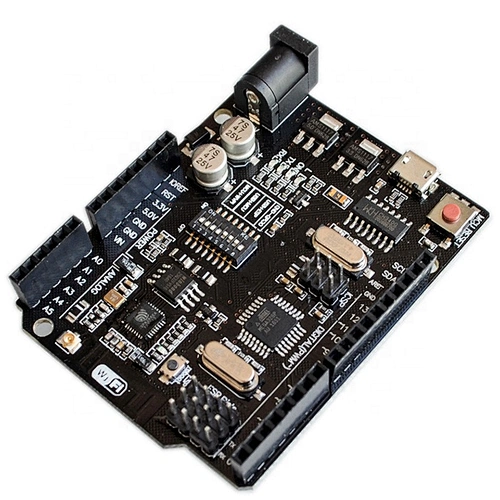
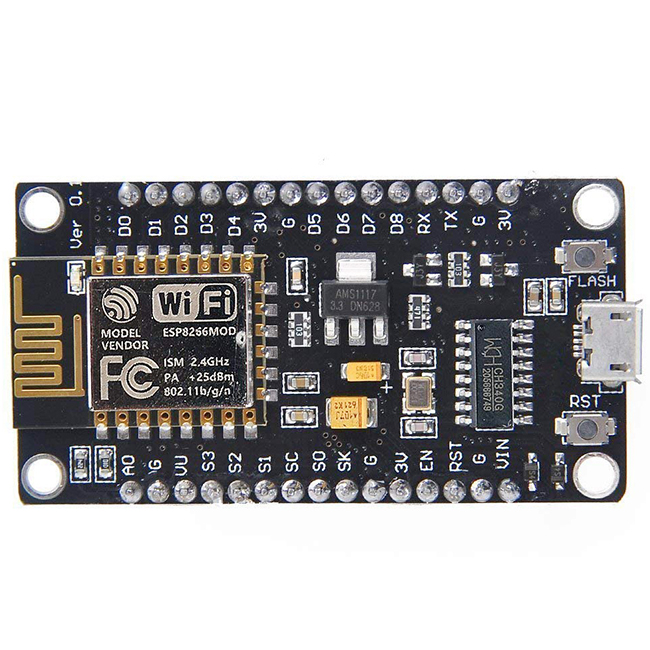
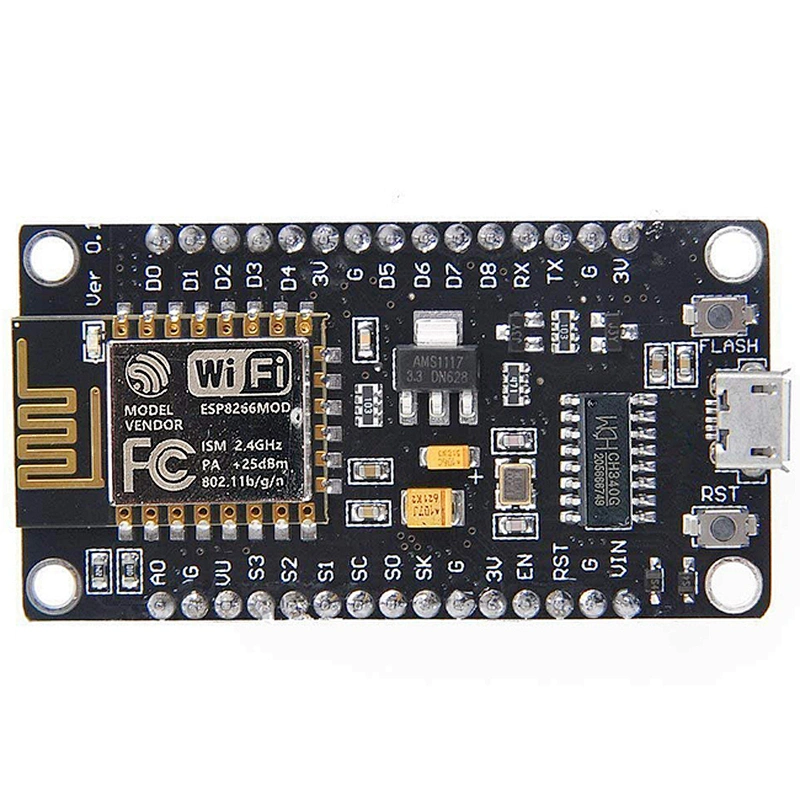
NodeMcu Lua WIFI Internet of Things development board based ESP8266

NodeMcu Lua WIFI Internet of Things development board based ESP8266

Model NO.
16G095
Minimum order quantity
1 piece
Quantity:
  • Model Number:16G095
  • Type:RF/Wireless Development Boards and Kits
  • Place of Origin:China
  • Certification 1:ROHS
  • Certification 2:CE
  • SKU:16G095
  • Stock:In Stock ,Can Ship out Immedicate


The ESP8266 is a highly integrated chip designed to meet the needs of a new connected world. It provides a complete, standalone Wi-Fi networking solution that allows it to host applications or uninstall all Wi-Fi networking capabilities from another application processor.

Instructions for use and steps:
1. Download the latest version of  IDE.
2. Install IDE
3. Set the IDE to:
Go to File -> Preferences and copy the following URL for the ESP board manager extension: esp8266.com/stable/package_esp8266com_index.json
4. Go to Tools> Board> Board Manager> enter""esp8266""and download community esp8266 and install.
5. Set your chip as:
Tools -> Boards -> NodeMCU 1.0 (ESP-12E Module)
Tools -> Flash Size -> 4M (3M SPIFFS)
Tools -> CPU Frequency -> 80 Mhz
Tools -> upload speed ->921600
Tools ->Port


Send Message

* clear input
*
Preview on Mobile
X
customer-service Customer Service
whatsapp WhatsApp
skype Skype
wechat WeChat
message Message
go top Top
WeChat Close
qr code
+8613715126889
qrcode

Send Message

* clear input
*
Choose language